
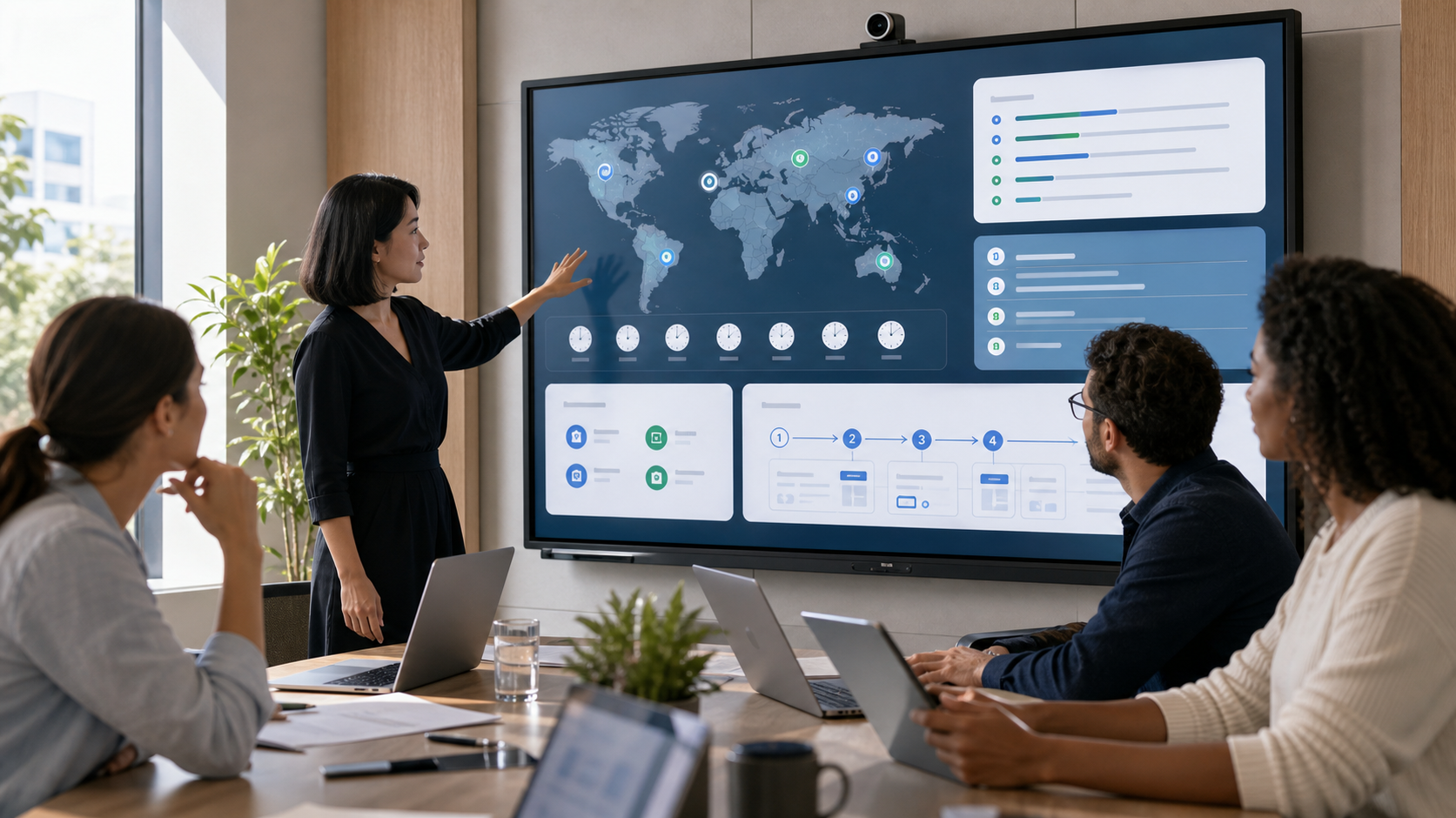
Work gets messy when teams grow across locations. One person is hired in another country. A new tool appears in the stack. Training happens once, usually on a crowded onboarding call. A process changes, but the only clear explanation sits in someone’s private notes.
None of this looks like a serious problem at first. It feels normal. Then a new employee waits half a day for an answer, a manager repeats the same walkthrough for the fifth time, or a team realizes two offices are following different versions of the same process.
A more global, digital workplace needs more than flexible policies. People need clear training, usable documentation, sensible hiring setup, and a better way to learn the tools they use every day.
START WITH THE SKILLS PEOPLE NEED TO KEEP UP
Digital teams rarely stand still for long. A sales team starts working across new markets. Customer support gets a new ticketing workflow. HR introduces new onboarding steps. Managers suddenly need to lead people they may only see on video.
If training only happens during onboarding, people fall behind quietly. They may still do the work, but they start relying on old habits, half remembered instructions, and quick messages to whoever seems to know the answer.
Training works better when it is treated as part of normal operations. Product updates, compliance refreshers, manager coaching, security basics, and process training should be easy to assign, track, and revisit.
For businesses that run regular internal or external training, a training management system can help keep course scheduling, participant records, attendance, and follow up in one place. That kind of structure is useful when a team has moved beyond informal sessions and scattered spreadsheets.
The goal is not to make learning feel heavy. It is to stop useful training from getting buried.
A new employee in one country might not be awake for a live session in another. A manager might need to refresh a process before helping their team. A support rep might need to understand a product change before customers start asking about it. Training should still be there when the meeting is over.
BUILD DOCUMENTATION PEOPLE CAN ACTUALLY USE
Documentation is often written too late. Someone creates it after the process has already confused several people, or after a key employee leaves and the team realizes how much knowledge lived in their head.
For distributed teams, good documentation is not a nice extra. It is how people keep moving when nobody is online to answer them.
The best documents are usually plain and specific. They explain what happens, who owns it, what tool to use, and where the work should end up. They do not need to sound polished. They need to be useful at 4 p.m. on a busy Tuesday.
A practical internal document should answer the questions employees really have.
- What needs to happen?
- Who owns each step?
- Which tool should be used?
- What does good work look like?
- Where should someone go if something breaks?
Not every piece of knowledge belongs in the same format. A policy may need a formal document. A repeated software task may work better as a walkthrough. A team habit may belong in a short handbook. A decision may only need a clean note with the reasoning behind it.
The danger is going too far in either direction. If everything becomes a document, people stop reading. If nothing is written down, people keep interrupting each other for basic answers.
MAKE GLOBAL HIRING OPERATIONALLY CLEAR
Hiring in another country can open up a stronger talent pool, but it also adds details that local hiring does not always raise.
The offer letter is only one piece. Companies also need to think about legal employment, payroll, benefits, tax obligations, onboarding, time zones, and the way managers will work with someone in a different market.
This is where teams sometimes rush. They find the right person first and work out the employment setup later. That can create awkward delays, unclear expectations, or extra pressure on HR and finance.
A business should know which hiring model fits before it starts making offers. Some companies open a local entity. Some work with contractors for clearly defined project work. Others use employer of record solutions when they want to employ people in another country without setting up an entity straight away.
The right choice depends on the role, the country, the business plan, and how permanent the hire is expected to be. What matters is that the model is clear to everyone involved.
Employees feel the difference. A clean hiring setup makes onboarding smoother, gives managers better boundaries, and helps the new hire feel like part of the business from the start.
HELP TEAMS ADOPT NEW TOOLS FASTER
A new tool can look simple to the person who chose it. To everyone else, it is another login, another workflow, and another place where work might disappear if they use it wrong.
This is where many rollouts stumble. The company announces the tool, shares a short demo, and expects adoption to happen. A few people learn it properly. Others use it only when reminded. Some keep their old workaround because it still feels faster.
Most employees do not need a full tour of every feature. They need to know how the tool fits into their day.
What changed? Which old step is gone? What should they do first? What does a completed task look like? Where can they check if they forget?
Interactive walkthroughs can help because they let people move through a task at their own pace. Teams can use tools like Supademo to create guided demos, tutorials, and internal process walkthroughs that employees can return to when they need a quick refresher.
The strongest walkthroughs are narrow. They show one job, one workflow, or one decision point. How to submit a request. How to update a customer record. How to create a report. How to approve an invoice. How to hand off work before going offline.
That kind of guidance is not glamorous, but it saves time. It also helps employees feel less dependent on whoever happens to know the tool best.
CREATE TEAM NORMS FOR COMMUNICATION AND AVAILABILITY
Global teams need clear communication habits, especially when working hours barely overlap.
Without shared norms, people start guessing. A delayed reply can feel like avoidance. A late night message can feel urgent even when it is not. A meeting invite can become the default answer to every unclear process.
Teams should decide what belongs in chat, what needs a meeting, and what should be written down for later. They should also agree on how decisions are recorded. Otherwise, the real decision ends up buried in a thread that half the team never saw.
Availability needs the same care. Some overlap is helpful, but expecting everyone to match one main time zone wears people down. It also creates a quiet hierarchy where the headquarters schedule becomes the only schedule that matters.
Managers set the tone here. If they send clearer updates, respect response windows, and avoid unnecessary meetings, the team usually follows. If they treat every delay as a problem, people learn to stay half available all the time.
That is not a healthy way to work.
CONNECT TRAINING, HIRING, DOCUMENTATION, AND TOOLS
The strongest teams do not treat training, hiring, documentation, and software rollout as separate projects. They connect them.
When someone joins, they should know where the core documents live, which training applies to their role, which tools they need, and who owns each part of their onboarding.
When a new tool is introduced, the rollout should include a short explanation, a clear process, and a walkthrough people can revisit. When the business enters a new country, managers should understand the employment setup, local expectations, and the communication habits that will help the new hire settle in.
Small pieces of clarity add up. People ask better questions. Managers repeat themselves less. New hires find their footing faster. Teams stop relying on memory for work that should be easy to explain.
A more global, digital workplace can make a business sharper and more resilient, but only when the people inside it are set up properly. The companies that handle this well are not always the ones with the biggest tech stack. They are the ones that make work easier to understand.
That is what helps teams move faster without feeling lost.
