
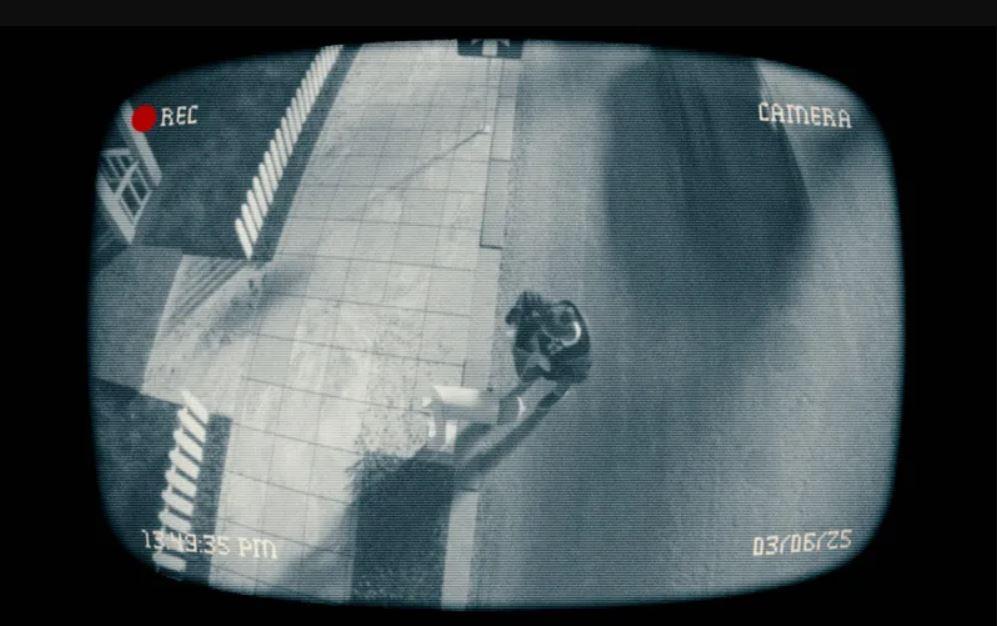
Many U.S. organizations still approach CCTV planning the wrong way: start with a wishlist, add wide coverage, record everything, and sort it out later. That may feel safer, but it often creates a different problem – too much footage, too many people captured unnecessarily, more review time, more storage, and more risk if video is ever shared outside the security team.
A better approach is to design surveillance around restraint. The goal is not to build the biggest system possible. It is to build one that captures what the business actually needs and avoids the rest. In practice, that means asking four practical questions before installation or expansion: Why is this camera needed? Exactly what should it see? When does it need to record? And if clips may later be used in investigations, training, or public-facing communications, how will identifiable details be handled?
For security leaders, operations teams, legal, compliance, and IT, this is where smarter CCTV design begins. Data minimization in surveillance is not just a deletion policy. It starts with camera count, mounting angle, field of view, excluded zones, and retention architecture.
Why “more cameras” is not the same as better security
It is easy to assume that adding cameras always improves protection. In reality, over-collection can make a system harder to manage. A single poorly placed wide-angle camera may capture sidewalks, neighboring property, employee gathering spaces, and visitors who have nothing to do with the security issue the camera was meant to address. Three narrower cameras, each aimed at a specific entry point or asset, may be the more disciplined option.
That is why camera design should be tied to a clear operational purpose. “General safety” is usually too vague by itself. A more useful justification sounds like this:
- Document badge access at the server room entrance
- Monitor vehicle entry at the loading gate
- Capture after-hours access to a cash handling room
- Observe a warehouse dock where shrinkage has been documented
Each of those examples points to a limited area, a defined risk, and a narrower viewing requirement. That is the heart of minimization in CCTV design.
A practical test for whether a camera belongs in the system
Before approving any camera, many organizations benefit from a simple necessity review. It does not need to be complicated, but it should be specific. For every device, decision-makers should be able to answer:
- What exact business or security problem is this camera solving?
- Why is video needed, instead of another control such as locks, access logs, staffing, or barriers?
- Can the camera be aimed more tightly or mounted differently?
- Will the footage be used only for internal evidence, or could it also be reviewed for operations, incident response, training, or external disclosure?
That last question matters more than many teams realize. If footage may later leave the surveillance environment – for example, to support an insurance claim, media inquiry, internal training, or a social media post after an incident – then overbroad collection becomes even more expensive and risky. The more irrelevant people and vehicles captured in the original frame, the more work later.
Document the frame, not just the purpose
Good CCTV documentation should describe what the camera sees, not just why it exists. That means recording decisions such as:
- The precise area covered
- What areas are intentionally excluded
- Whether public sidewalks, neighboring spaces, or employee-only zones are visible
- Who is likely to appear in the footage during normal operations
- Whether the location has a higher sensitivity because people may expect more privacy there
This level of detail helps during audits, system redesigns, and internal reviews. It also makes it easier to challenge legacy camera positions that have expanded far beyond their original reason for being there.
For example, if a camera was installed to monitor a side entrance, but the frame now captures the smoking area, employee parking lot, and part of the adjacent tenant’s door, that is not just a technical setting. It is a scope problem. The right fix may be reframing, masking, relocating, or replacing the camera with one that has a narrower field of view.
Where over-collection usually happens
Most excessive recording does not come from bad intent. It comes from convenience. Common examples include:
- Wide-angle lenses used where a narrow corridor or doorway view would do
- Cameras mounted too high, picking up distant and irrelevant areas
- Parking lot cameras that capture public streets far beyond the entry gate
- Office cameras that monitor entire common spaces to protect one door
- 24/7 recording in places where only after-hours activity matters
These are design problems, not just privacy problems. They affect storage budgets, review time, incident triage, and the amount of footage that must be handled if there is a legal request, litigation hold, HR matter, or public release.
High-risk areas deserve a stricter standard
Some locations raise immediate red flags because they involve a higher expectation of personal privacy. In those areas, minimization should be especially strict.
Restrooms and changing areas
As a practical rule, cameras should not be installed inside these spaces. If there is a legitimate need to monitor access near the entrance, the camera should be positioned so the interior is never visible.
Break rooms and staff lounges
These areas are often poor candidates for general surveillance. People use them for rest, conversation, and personal downtime. If there is a security concern involving adjacent storage or a restricted cabinet, it is usually better to monitor the access point to that asset rather than the entire room.
Office corridors
Hallway coverage may be justified in some environments, but it should not become default “just in case” monitoring. The question is whether the corridor itself is the risk area, or whether the real need is to document entry to a particular door, room, or controlled space.
Building entrances and vehicle gates
These are commonly valid camera locations, but they still require discipline. A front-door camera should focus on the entrance, not sweep across the sidewalk and neighboring storefront. A gate camera should prioritize the lane of travel and access point, not every passerby in the vicinity.
Retention is a design choice, not just a policy line
When teams talk about CCTV retention, they often jump straight to “How many days should we keep video?” That matters, but it is only part of the issue. The more important question is whether the system is collecting too much video in the first place.
If a camera records continuously when event-based capture would serve the purpose, retention becomes a larger burden than necessary. If a system stores broad, always-on footage from low-risk zones, the organization may be creating a review and storage problem of its own making.
Smarter retention starts with architecture choices such as:
- Recording on motion or events where appropriate
- Limiting operating hours for certain cameras
- Using activity zones to avoid recording irrelevant movement
- Separating high-priority cameras from low-value general footage
- Applying shorter retention where long-term storage is not needed
None of these choices should be automatic. They should be tied to the real use case. But in many environments, they can reduce over-collection before anyone has to decide what to delete.
When footage may be shared, anonymization should be planned early
Some organizations know from the start that certain recordings or still images may eventually be reused outside the security workflow. That might include internal training, workplace incident summaries, law enforcement cooperation, insurance submissions, or public communications. When that possibility exists, the surveillance system should be designed with downstream handling in mind.
This is where post-recording anonymization can become part of the operating model. If the original footage is tightly framed and does not capture unnecessary people or vehicles, preparing it for limited sharing is much more manageable.
For teams looking at this workflow, Gallio PRO is relevant in a practical, narrow sense: it automatically blurs only faces and license plates. That distinction matters. It does not mean the entire image is anonymized, and it should not be described that way. Other visible details – such as badges, logos, papers, tattoos, screens, or signage – may still require manual review and editing.
That kind of precision is useful for real-world compliance and communications work, because it keeps expectations realistic. Gallio PRO is not a live-stream anonymization layer. It is used to prepare already recorded video or images for further use.
Why limiting source footage makes later review easier
Organizations sometimes focus only on what happens after recording. But the simplest way to reduce later editing effort is to capture less irrelevant material from the start.
Consider two examples:
- A parking lot camera aimed tightly at an entry gate may capture a vehicle, plate, and driver involved in an incident while avoiding large amounts of unrelated foot traffic.
- A lobby camera aimed across the whole reception area may collect numerous visitors, employees, and bystanders who all need review if a clip is later shared.
Both systems may technically work. Only one reflects minimization.
When a clip is likely to leave the security team, disciplined source framing saves time, reduces exposure, and lowers the chance that the organization will miss a sensitive detail during review.
Do not forget system traces and logging practices
Minimization is not only about the visible image. It also includes the traces created by the tools used to process that image. If an anonymization workflow generates logs that contain sensitive detection details or personal data, that creates another layer of information to manage.
In that context, one relevant operational point is that Gallio PRO does not store logs containing detection data or personal data. For organizations trying to reduce unnecessary data footprint across the whole workflow, that can matter just as much as what is blurred in the image itself.
What smarter CCTV looks like in practice
A well-designed U.S. surveillance system is usually not the one with the most cameras. It is the one where each camera has a narrow reason to exist, a controlled frame, a sensible recording method, and a retention setup tied to actual need.
That usually means:
- Fewer “just in case” cameras
- Tighter fields of view
- Clear exclusions for nonessential areas
- Shorter and more defensible retention in low-risk contexts
- A defined workflow for preparing footage that may be shared beyond security operations
In other words, smarter CCTV starts before the first clip is ever stored. It starts at design.
FAQ – Smarter CCTV
Does data minimization mean installing as few cameras as possible?
No. The point is not simply reducing the number of devices. The point is matching surveillance scope to a specific purpose. Sometimes several narrow views are less intrusive than one oversized frame.
What is the biggest cause of over-collection in CCTV?
Usually it is overly broad framing: wide-angle coverage, poor camera placement, or recording areas that are unrelated to the security purpose.
Should every CCTV camera have its own justification?
Yes. In practice, each camera should be tied to a defined risk, area, and use case. That makes system reviews and redesign decisions much easier.
Can retention be minimized without deleting footage faster?
Often yes. Event-based recording, activity zones, limited recording hours, and narrower coverage can all reduce how much footage is created in the first place.
Does Gallio PRO blur entire people automatically?
No. Gallio PRO automatically blurs only faces and license plates. Other identifying details may still need manual editing.
Does Gallio PRO work on live CCTV streams?
No. It is used for already recorded material, not real-time video-stream anonymization.
